
What gets better
Light, colour, clarity
Turn phone-based property capture into listing media that feels premium — without changing the actual property.
These are actual outputs — the same property, captured on a phone and enhanced through Torala Studio.
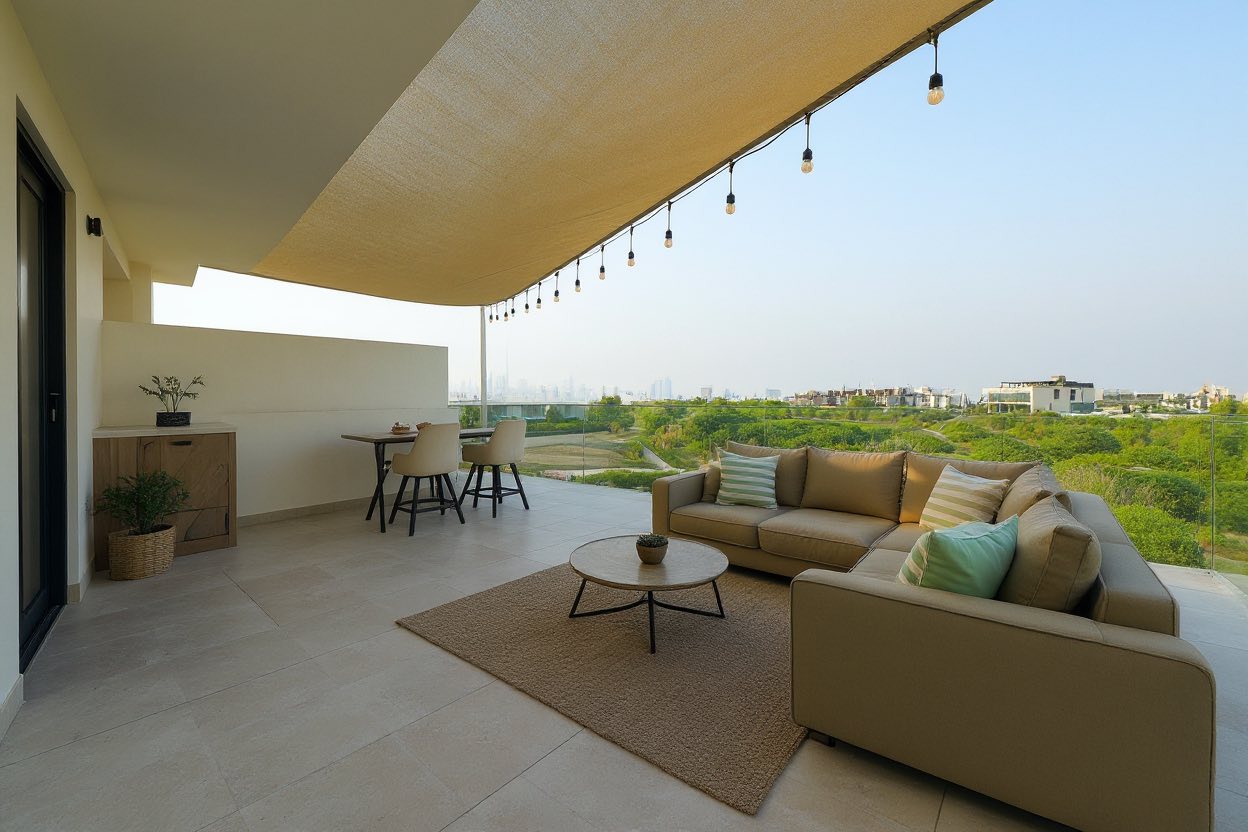
Phone-captured villa exterior, enhanced for light, colour balance, and presentation. Every architectural line stays exactly as-shot.
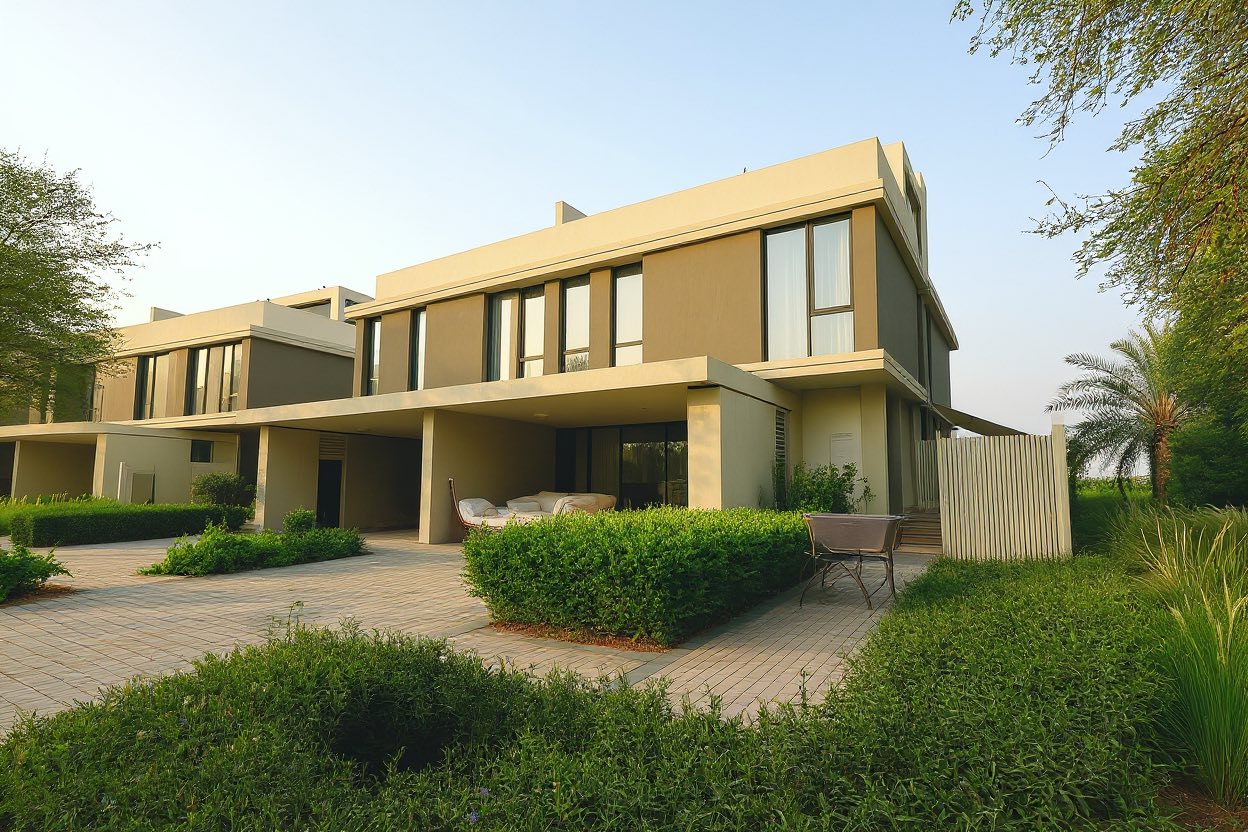
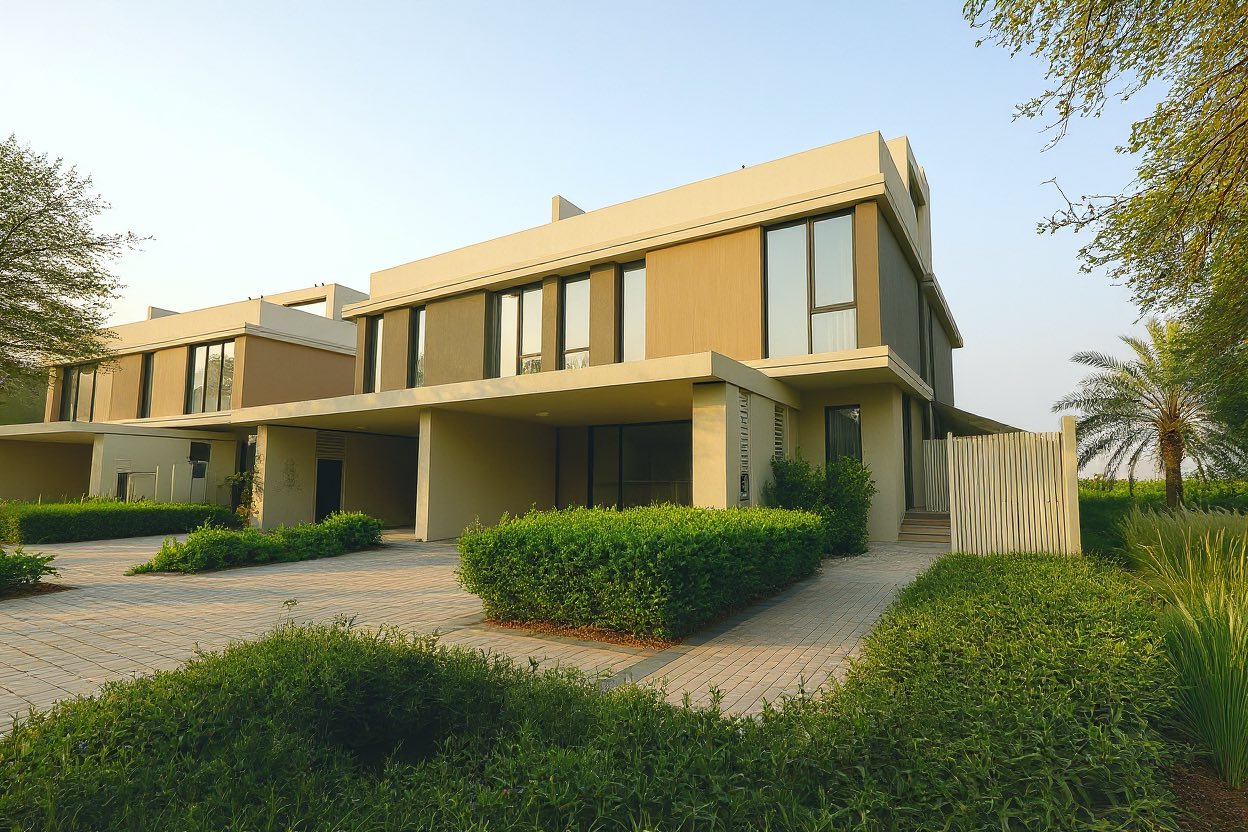
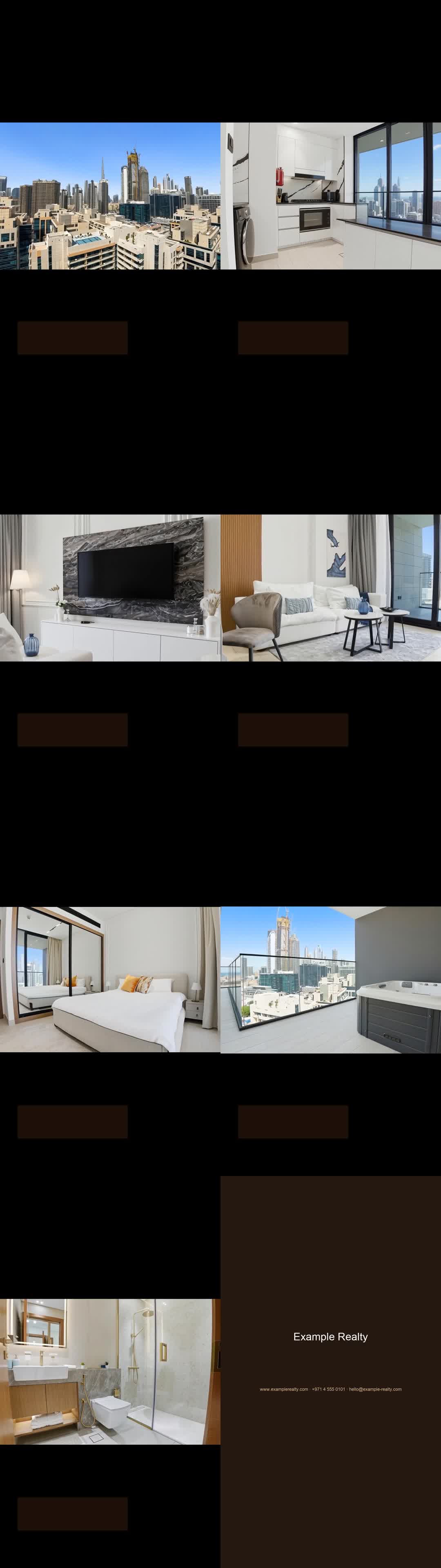
The same source media becomes a stronger photo set and a short-form property story — without leaving the workflow.
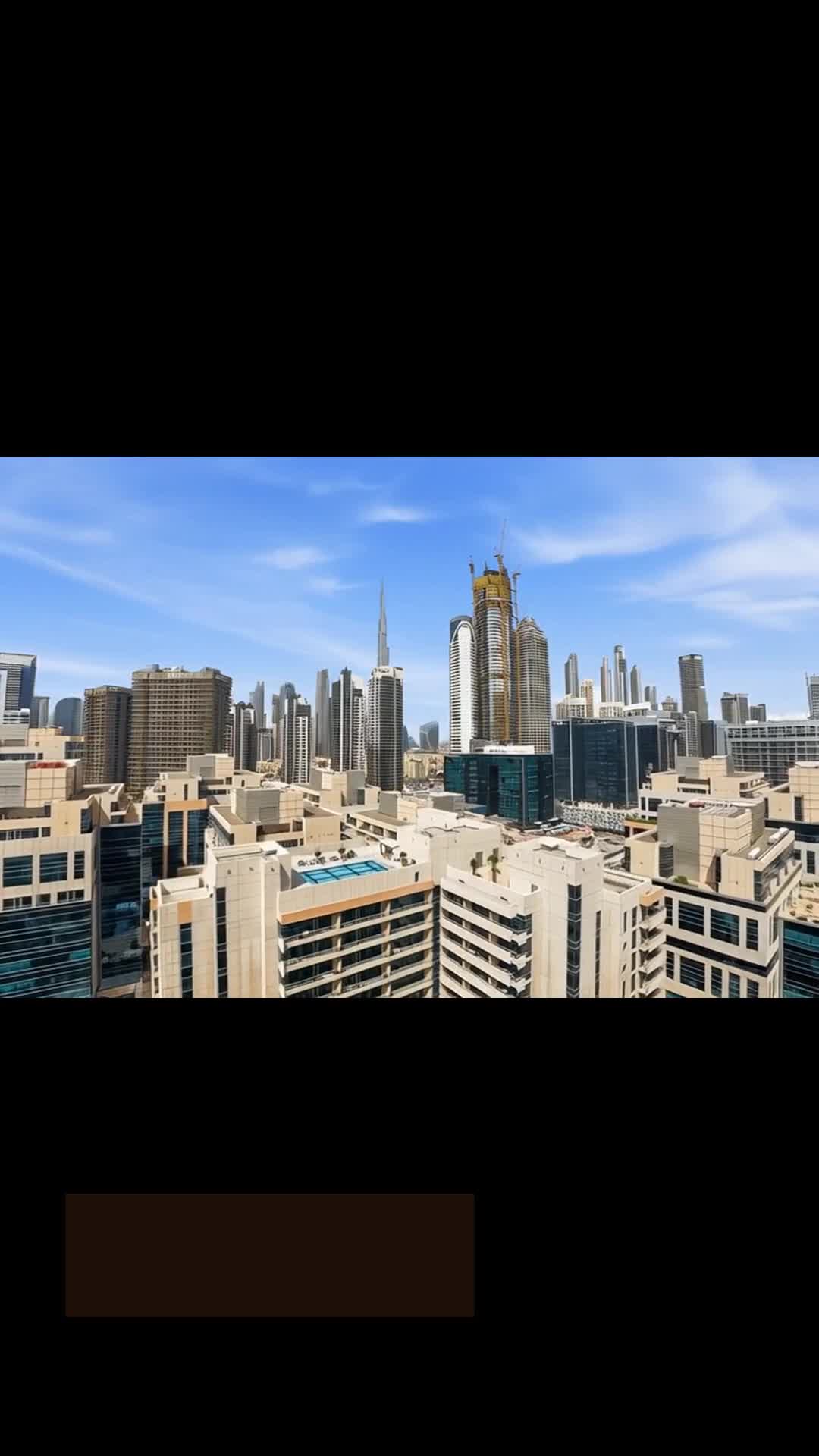
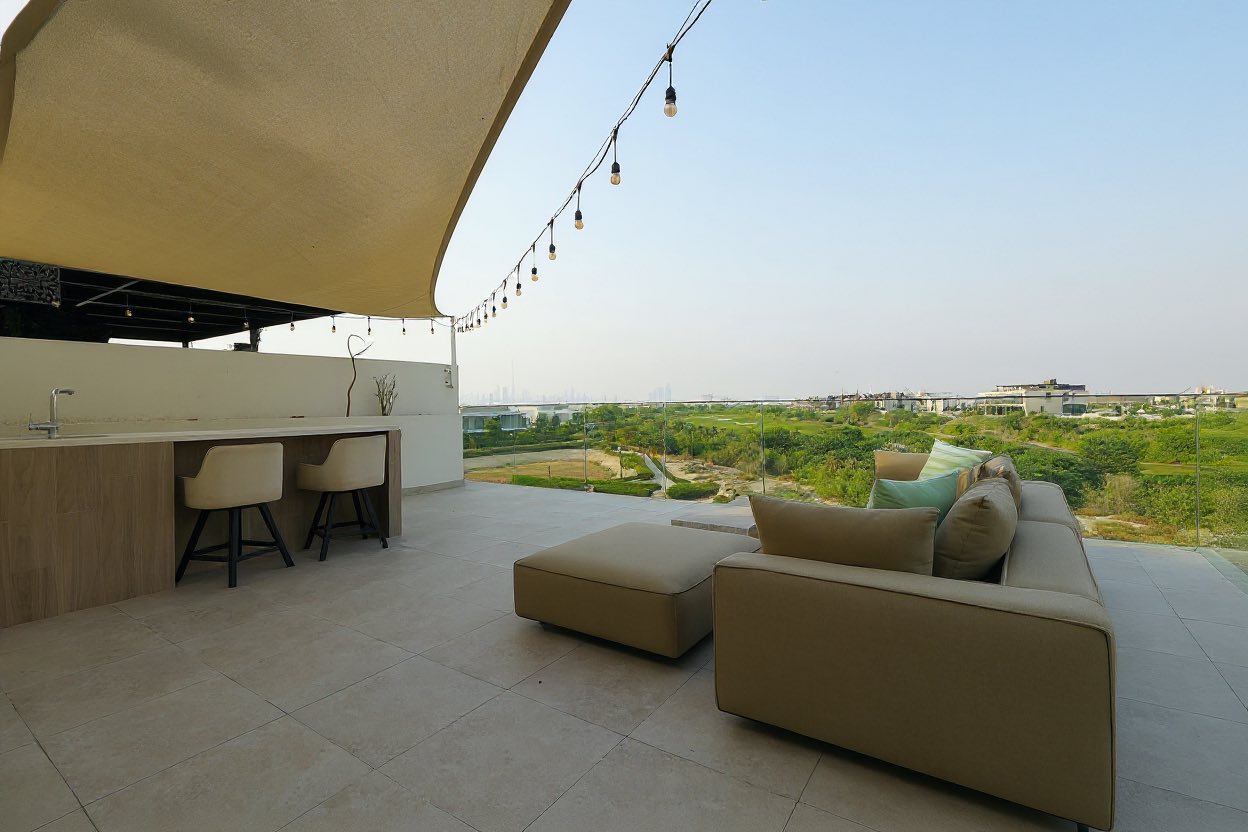
The value isn't a single polished photo — it's a consistent gallery across exterior, terrace, and lifestyle scenes.
Capture on the phone. Review and select in the web workspace. Share with the team from the browser. Same project, three surfaces.
A phone flow for agents and marketers that keeps the shoot moving — one shot at a time, no guesswork.
Compare images side-by-side, pick the winners, and prepare the final gallery from a calm web workspace.
A browser view for brokers, marketers, and teams reviewing property media together.
Premium-feeling media with a workflow the person on site can follow without a shot list in their head.
Torala Studio tells the person on site which shot comes next — no more guessing room by room.
Review captures in the web workspace, pick the winners, and build a tight set before enhancement runs.
Improve light, colour, and presentation. Layout, windows, and proportions stay exactly as-shot.
Export photos now and extend the same source into reels and short-form launch content later.
Guided capture and truthful photo enhancement at the core. Reel workflows and brand-ready packs as you scale. Final pricing is confirmed at launch — early access locks today's rate.
Early access suits teams that want better-looking property media without building a heavier production workflow.
The workspace is where project uploads, continuity, enhancement, review, reels, and final media come together.
Open workspaceNo. The default mode improves presentation while preserving the layout, windows, architecture, and proportions of the property.
No. Torala Studio is designed for agents, marketers, and property teams using a phone who want better guidance and a better result without a pro photographer.
Yes. Torala Studio starts with better capture and image enhancement, then carries the same media into reel planning and short-form exports.
Waitlist entries are reviewed manually and used only to follow up about early access. We don't sell data. Contact us any time to remove your entry.